Unity / Editor tools / Shaders
Procedural cave terrain masks
From environmental prop positions to a texture the terrain shader can sample.
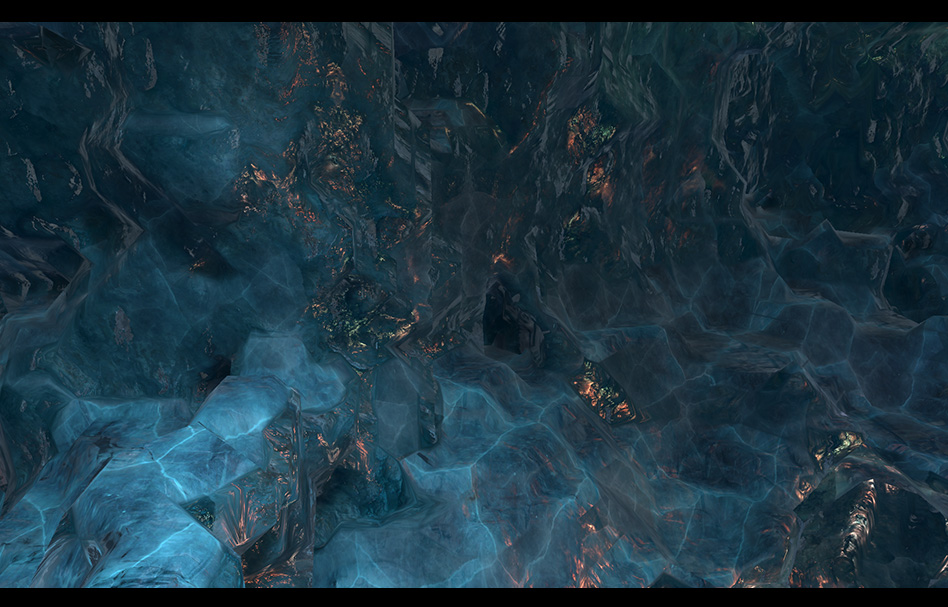
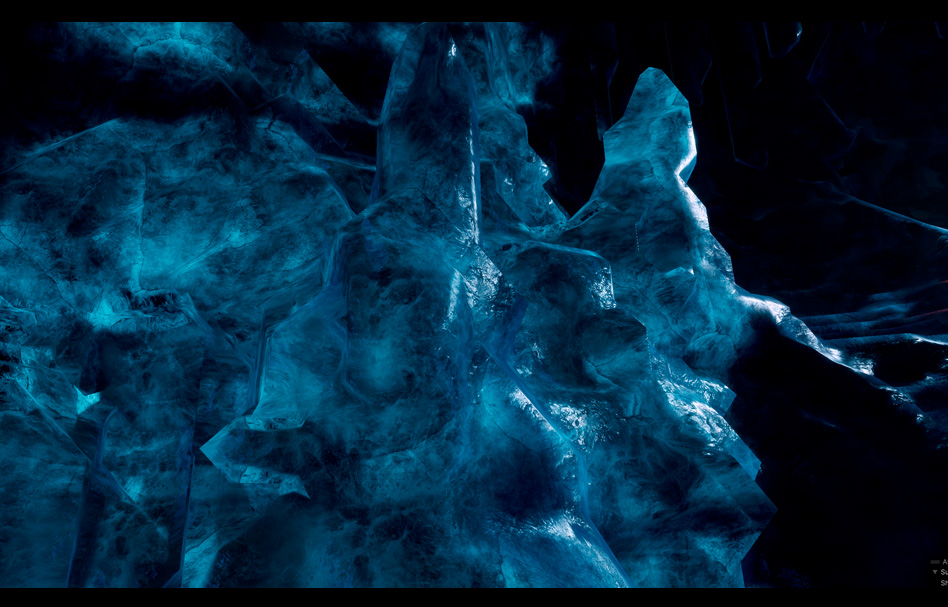
Ice terrain shader example
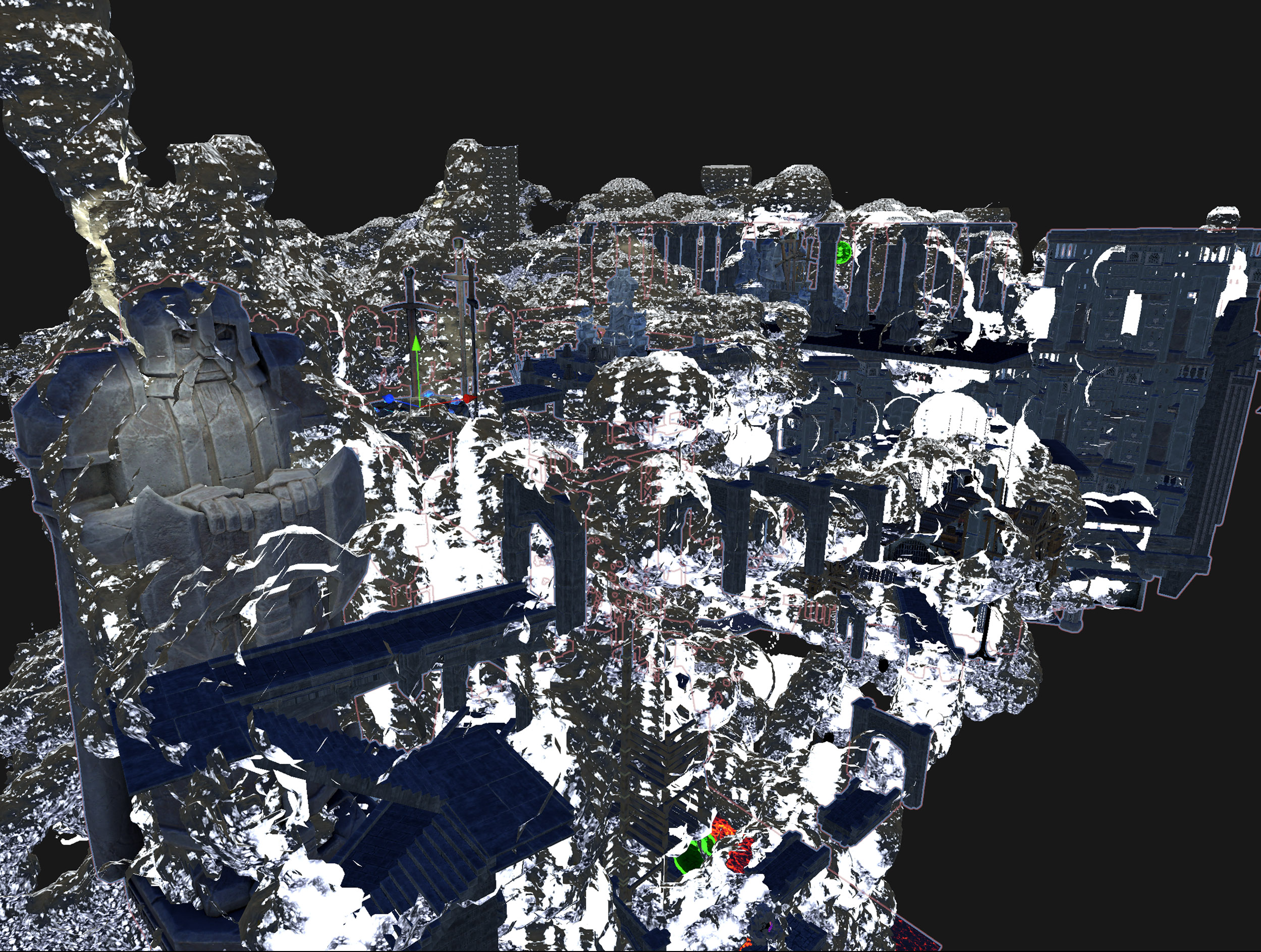
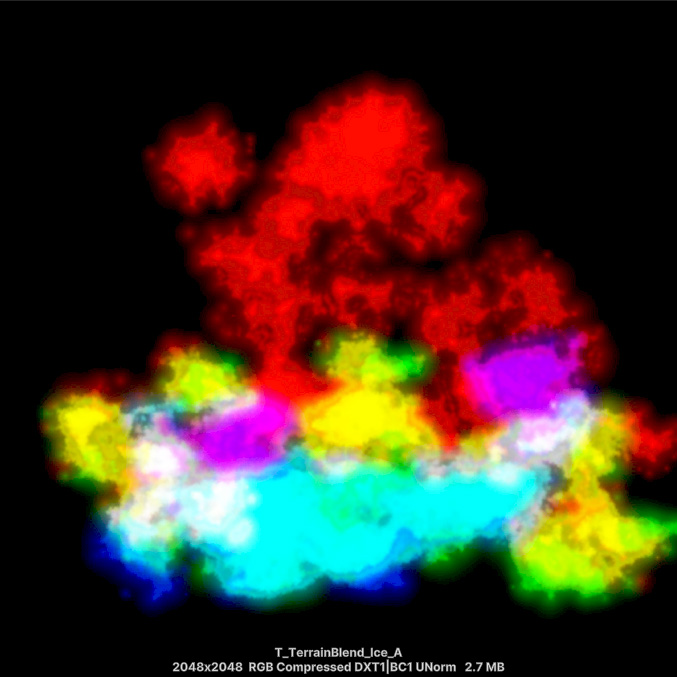
The masking approach can be used with different terrain materials. This example shows it with an ice shader in the Unity editor.
I created a Unity editor tool to generate masks around selected environmental props for a procedural cave terrain shader. Props could be collected automatically or added manually to a list in the editor. The tool then baked their projected masks into an RGB texture.
- My contribution
- C# editor tool, custom HLSL functions, and terrain shader
- Tools
- Unity / Amplify Shader Editor
- Collaboration
- Under the supervision of the lead technical programmer
01 / The challenge
Generate masks around a large number of props
The levels contained more than 1,000 props. Evaluating all of their positions in a shader loop raised performance concerns, so I used an editor tool to bake projected masks into a texture for the shader to sample.
My contribution
Under the supervision of the lead technical programmer, I developed the C# editor tool, custom HLSL functions for use in Amplify Shader Editor, and the main terrain shader from scratch. The development involved testing different approaches and discarding those that did not meet the project's needs.
02 / The workflow
Collect props, bake projections, sample the mask
-
Collect the environmental props
Find GameObjects by name, identify objects with a specific script component, or add objects manually to a list in the editor.
-
Bake the projected masks
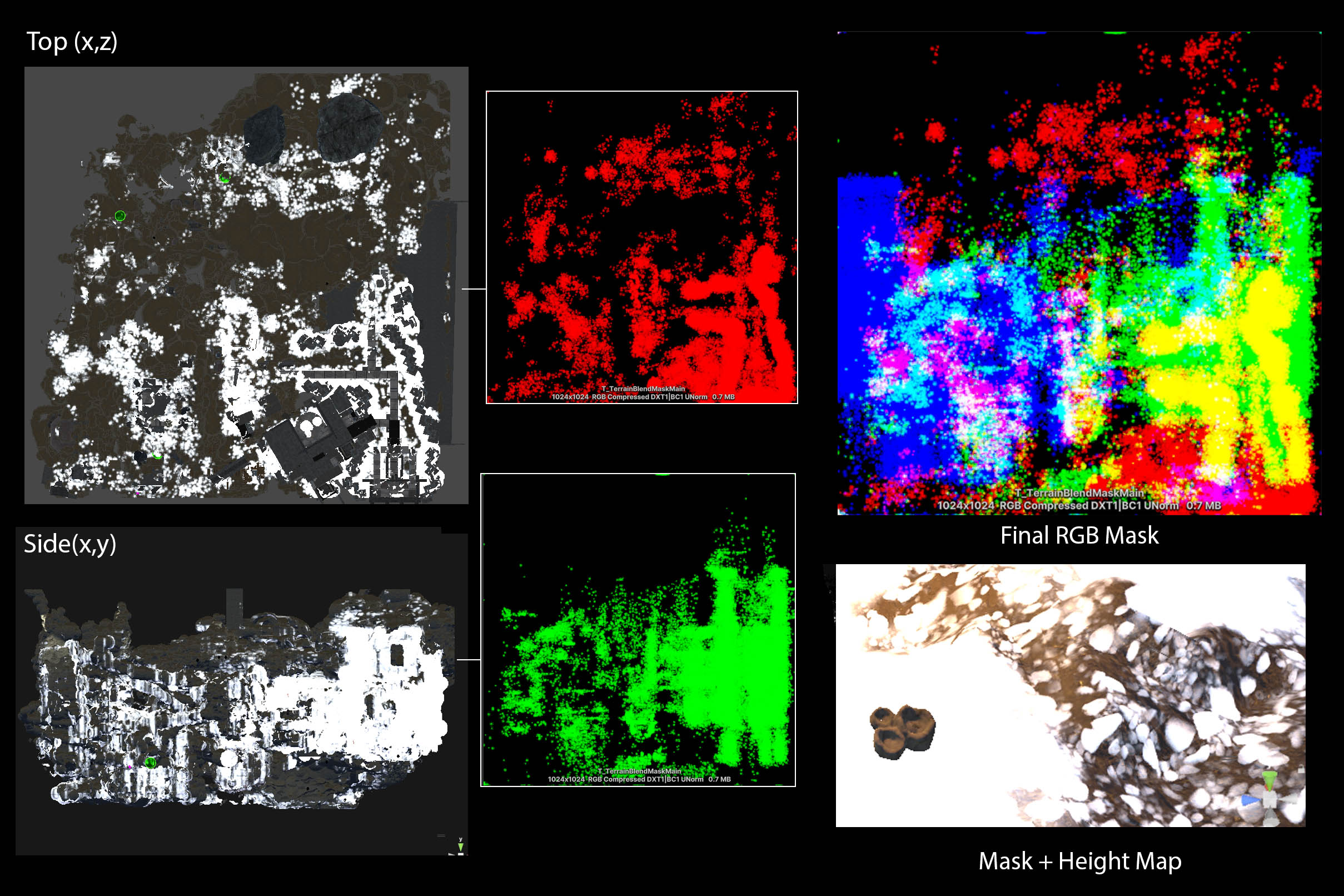
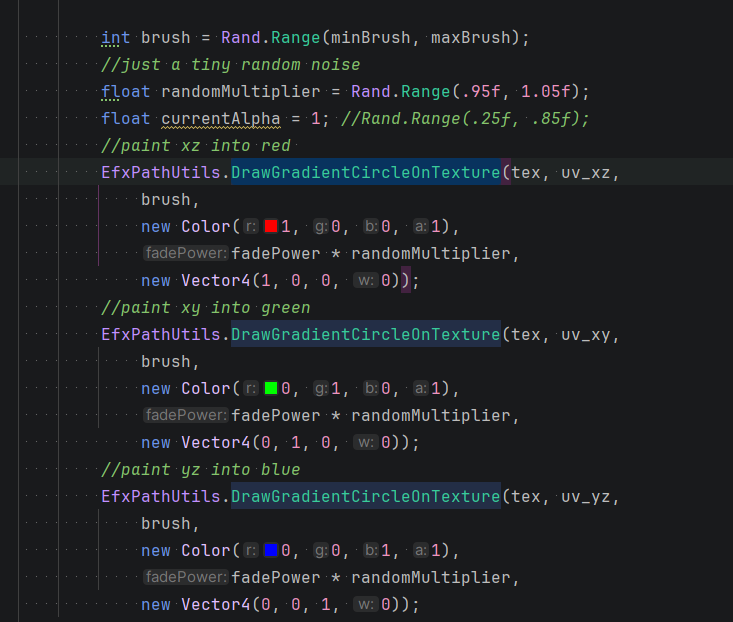
Use the collected positions to draw masks into separate RGB channels, with one channel for each projection plane.
-
Sample in world space
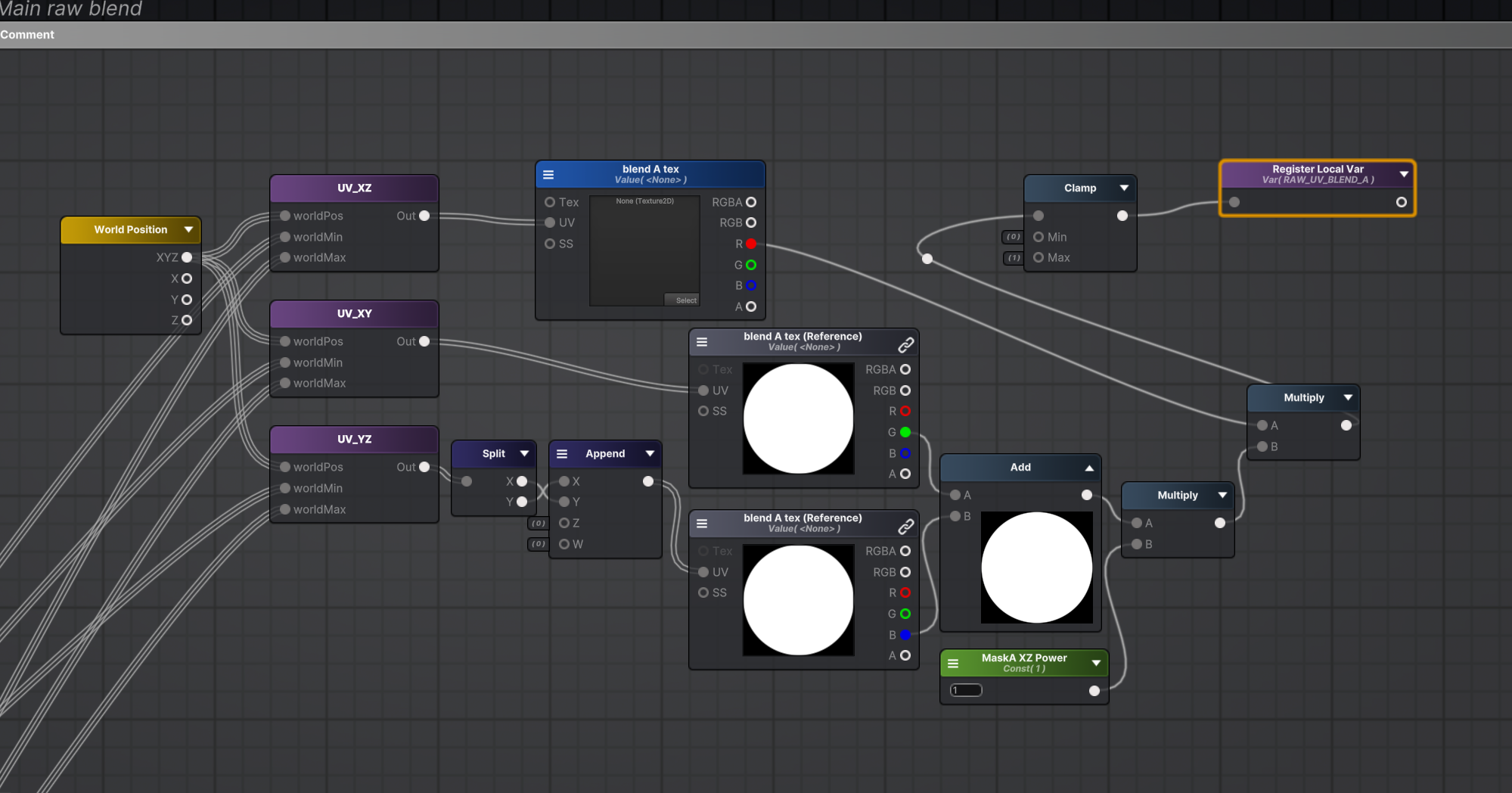
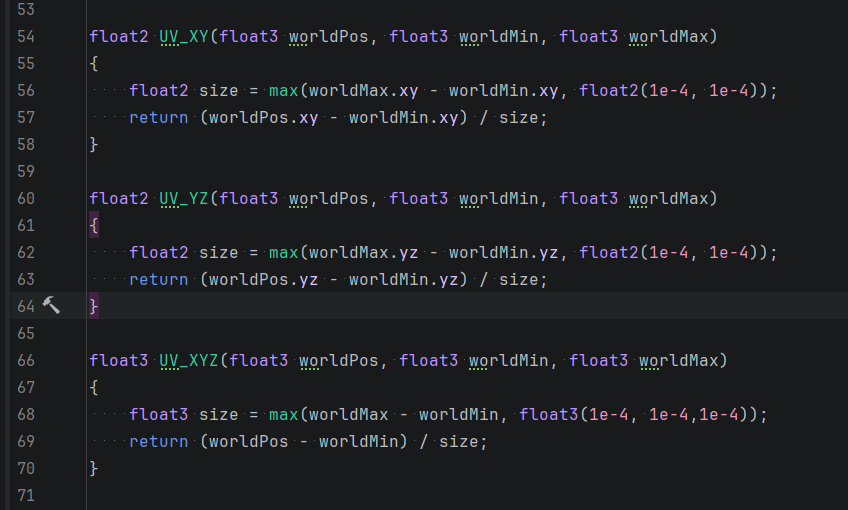
Use custom HLSL functions to calculate texture coordinates from world positions and the selected world bounds, then sample each projection in the shader.
| Channel | Projection plane | Axes |
|---|---|---|
| Red | XZ | X and Z |
| Green | XY | X and Y |
| Blue | YZ | Y and Z |
Separate mask management from texture drawing
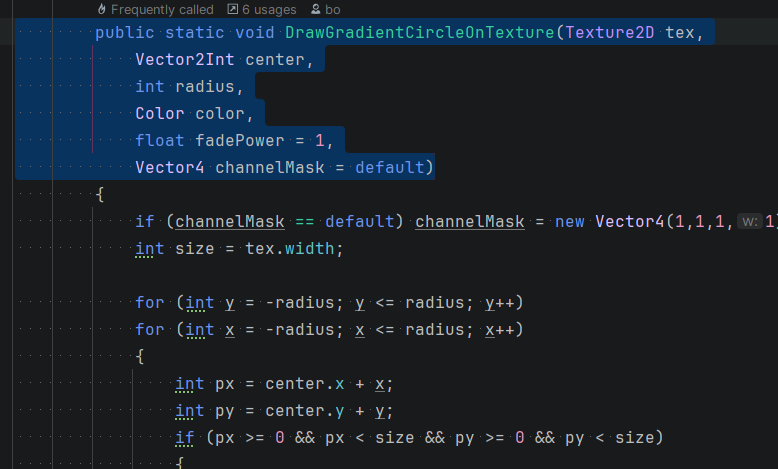
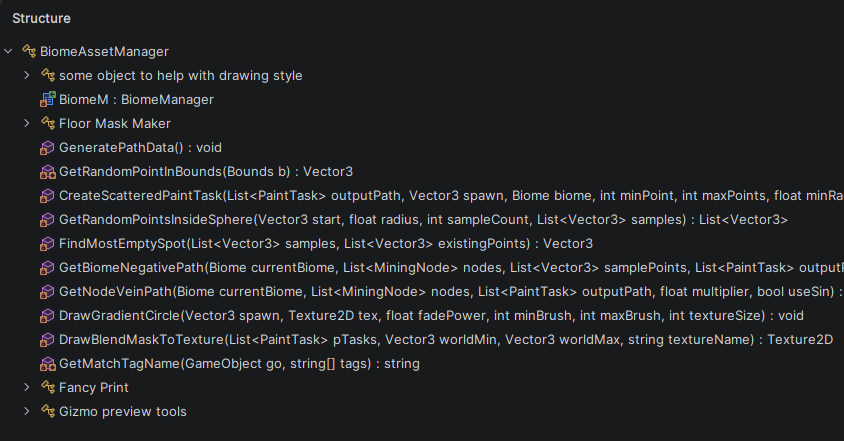
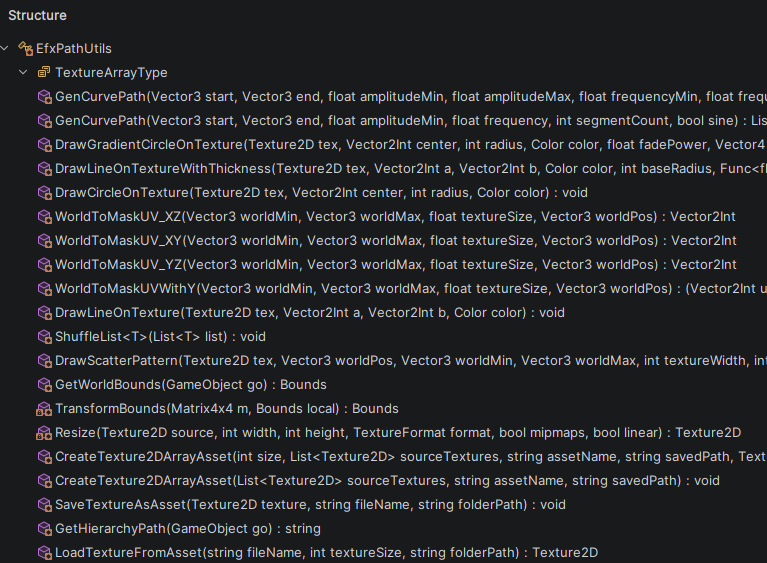
The editor tool used two scripts: a terrain mask manager and a texture helper with static methods. The helper drew soft-edged circular masks into a Texture2D; the manager used these methods to build the projected masks.
Scatter soft masks around each prop
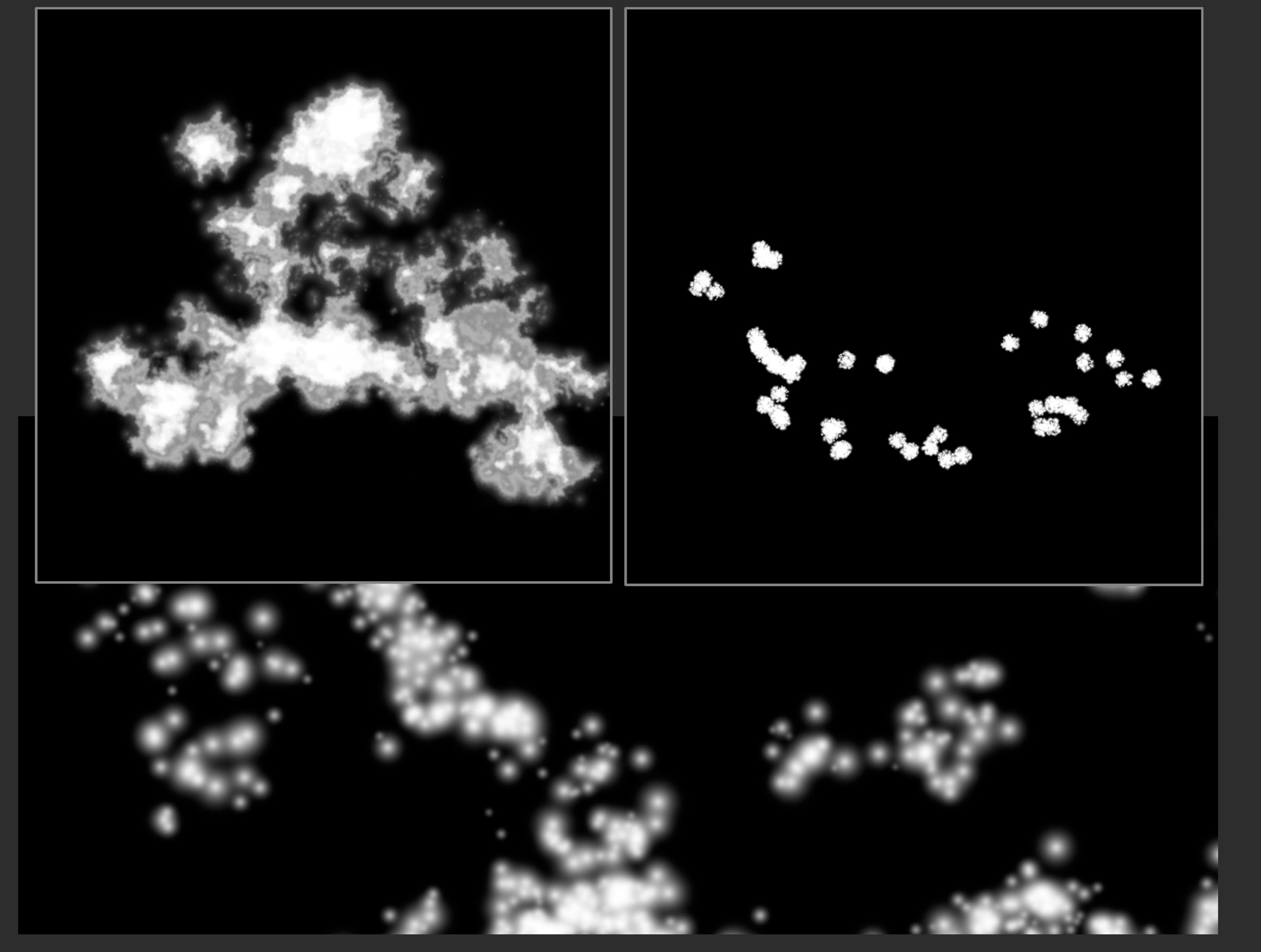
Around each collected point in world space, the editor tool scattered circles and blended them into a mask. Adjusting their number, size, and softness produced different mask patterns around the props.
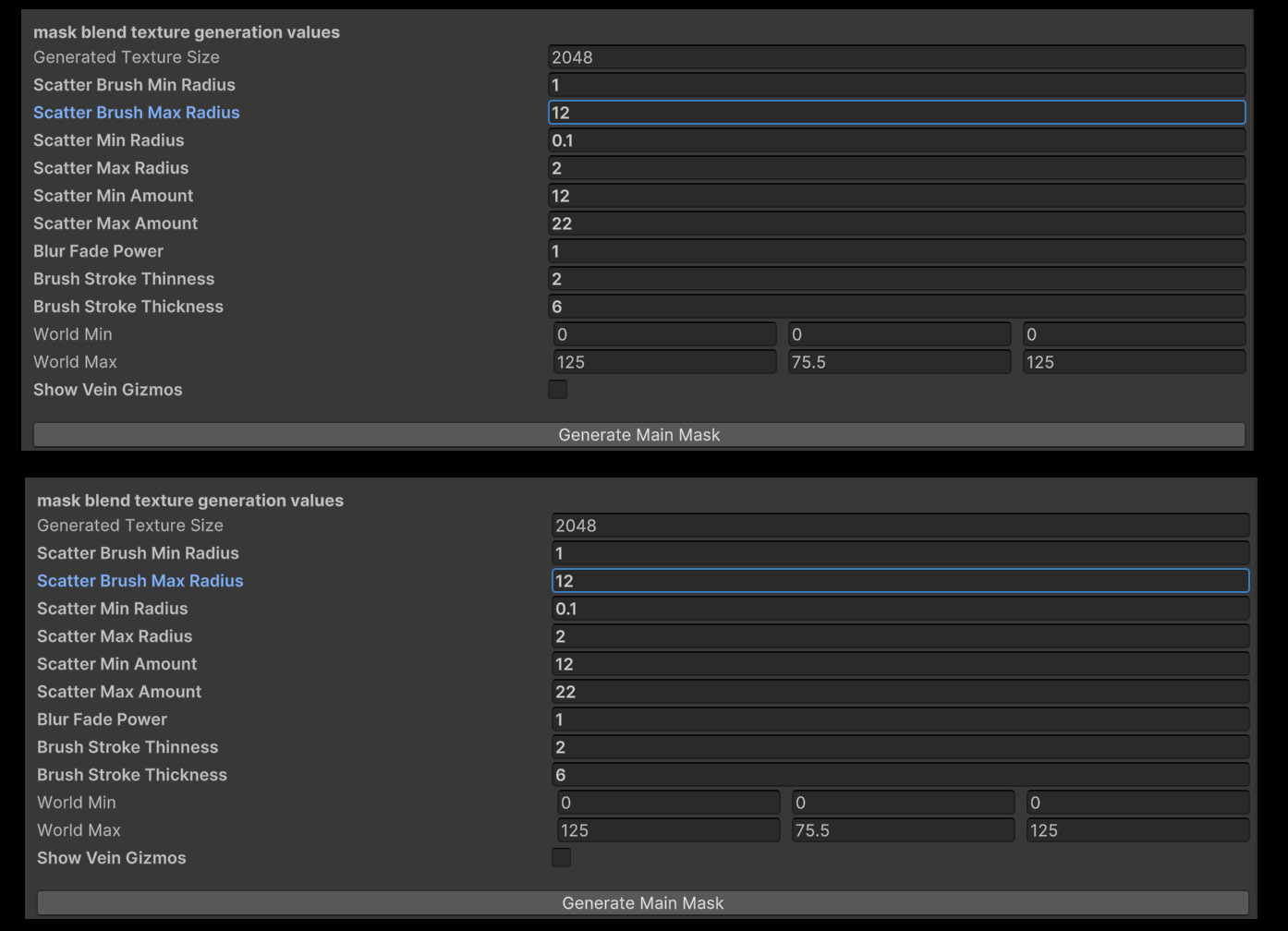
The editor provided controls for brush and scatter radii, the number of circles, and edge softness. The XZ examples show the resulting patterns. The final texture packed the top, side, and front projections into RGB channels.
View the C# mask-generation excerpts
Explore the manager and helper methods
03 / Shader integration
Combine the projections on the cave terrain
I combined the sampled channels with custom math to create a black-and-white mask on the procedural cave terrain. The shader used world-space projections to apply the mask to the changing terrain geometry.
View the world-space HLSL functions
04 / Final results
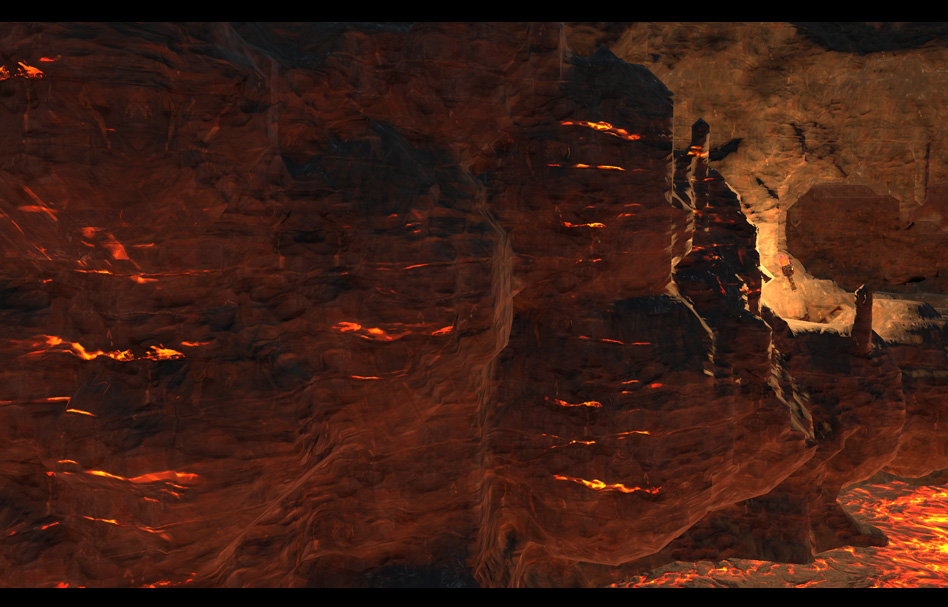
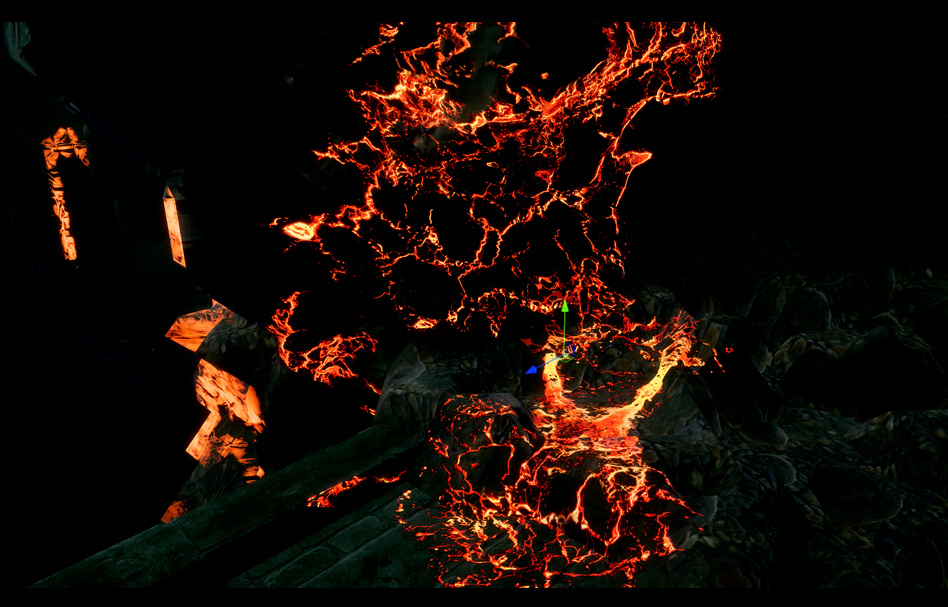
One tool, different terrain themes
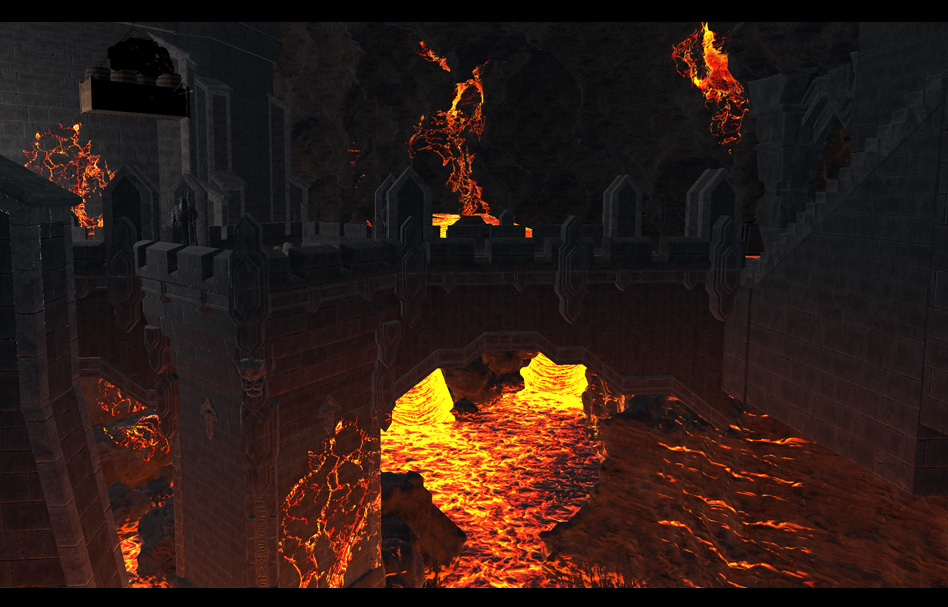
I used the tool to generate masks for different terrain themes and custom shaders. In procedurally generated caves, the masks could define lava veins or create brighter, glowing areas in ice around nodes and enemy spawn points.